
Free on-site gate assessment - hinges, posts, and your LiftMaster or Nice gate operator checked before anything is quoted
The assessment is free and the quote is the invoice.
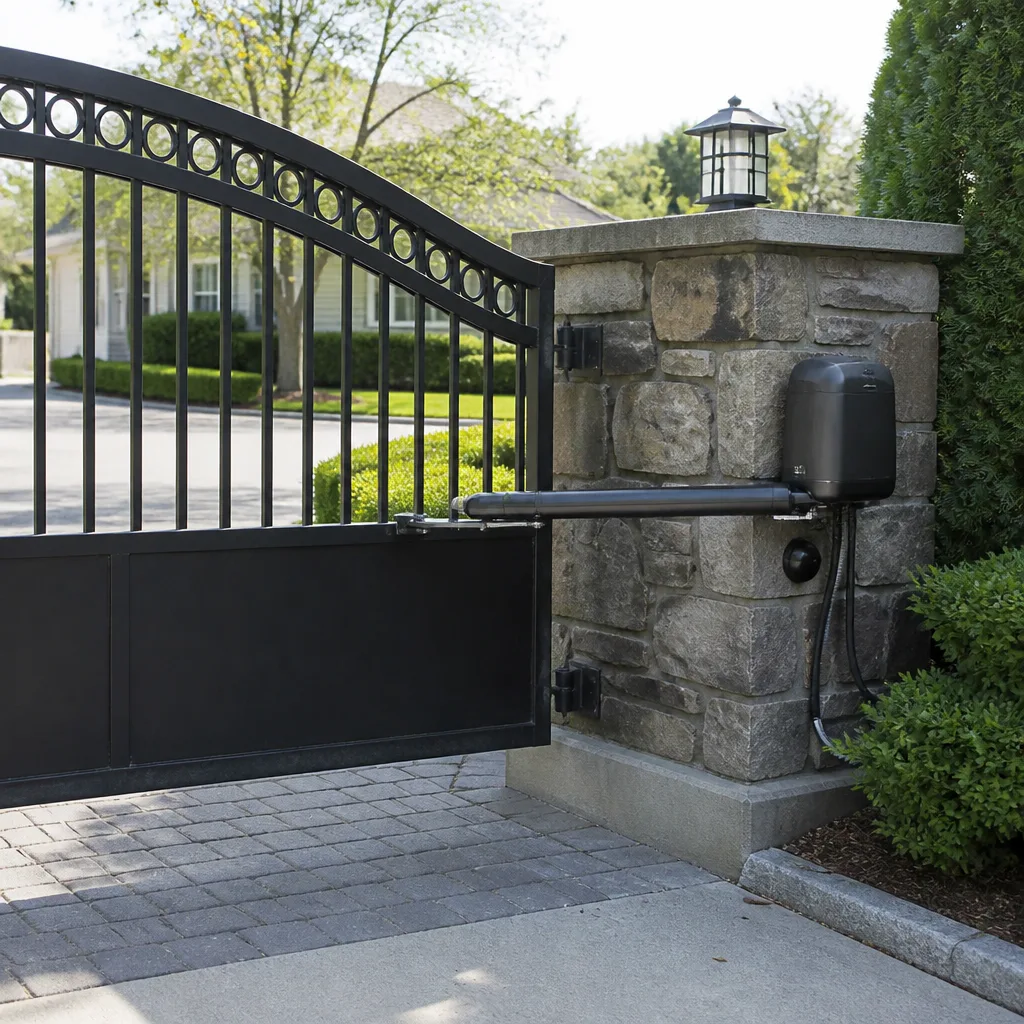
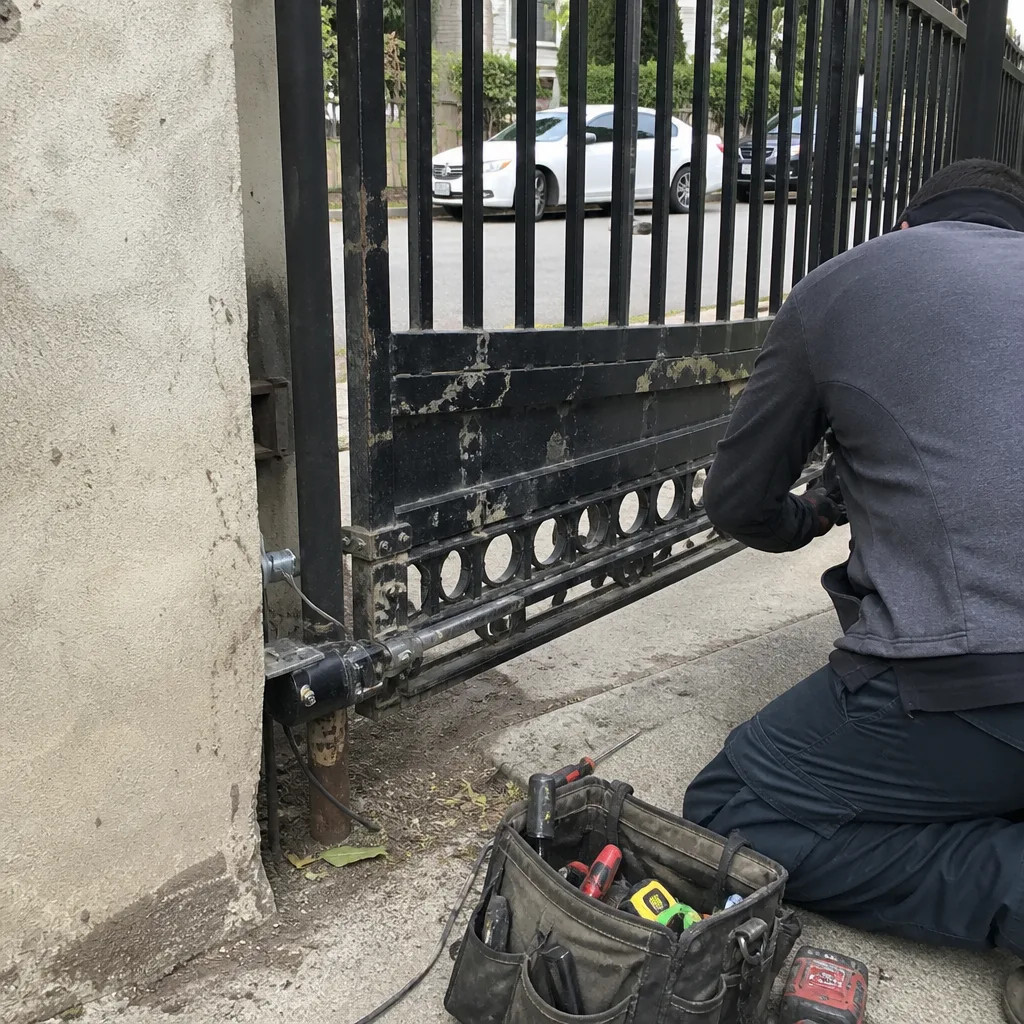 Before
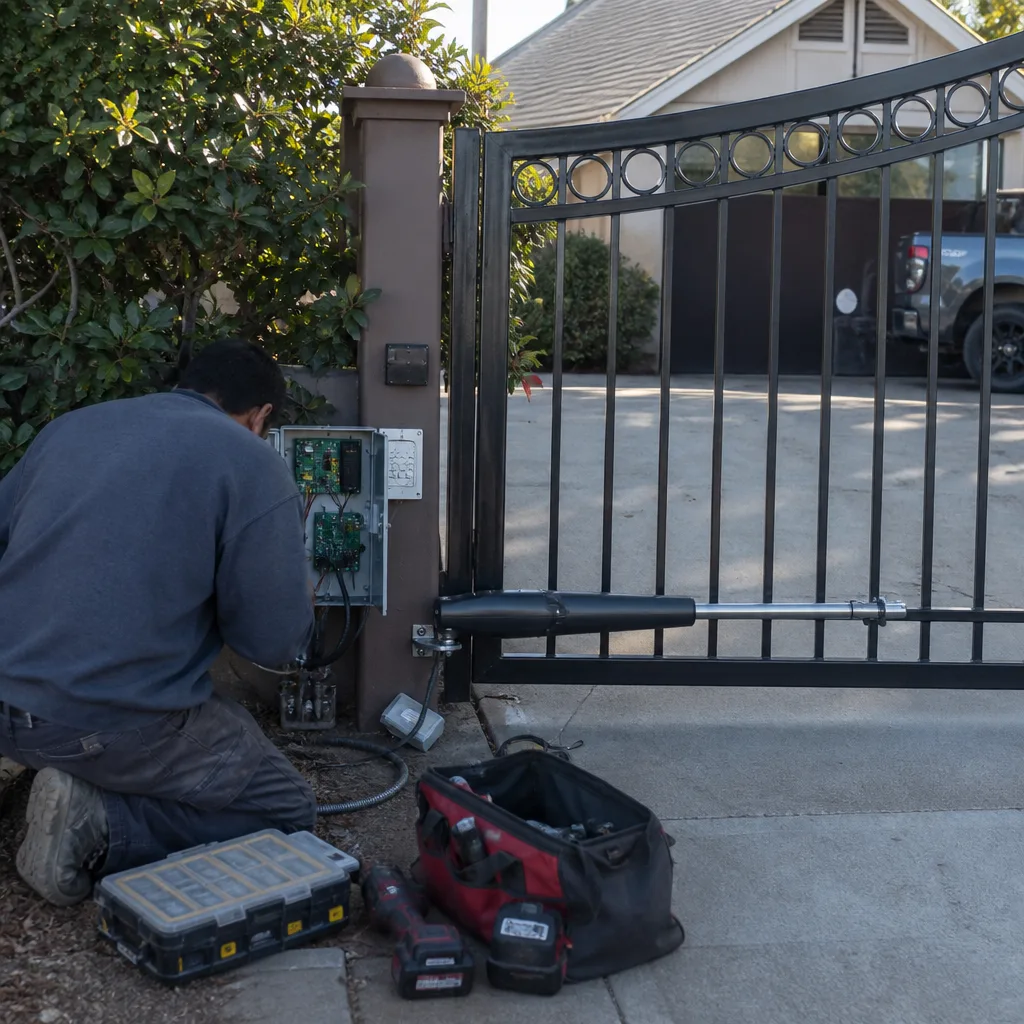 After
After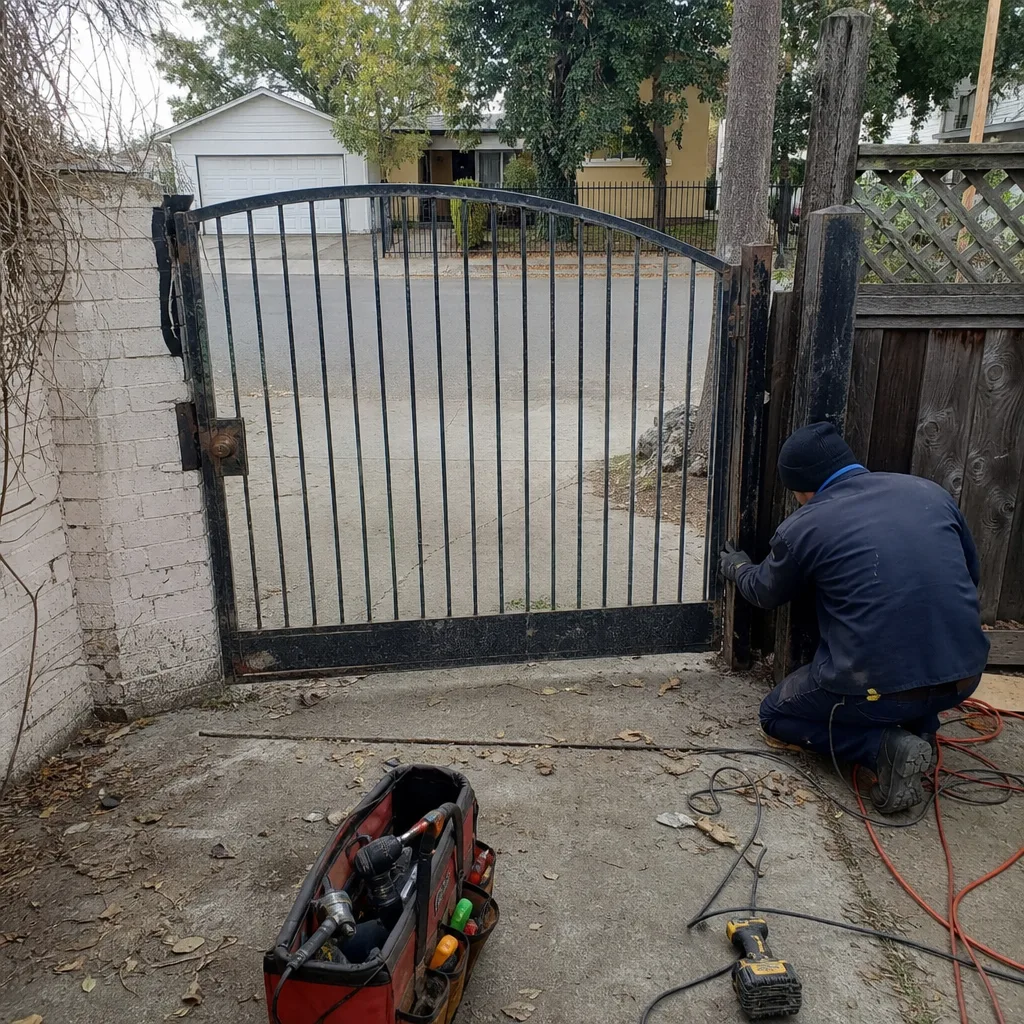 Before
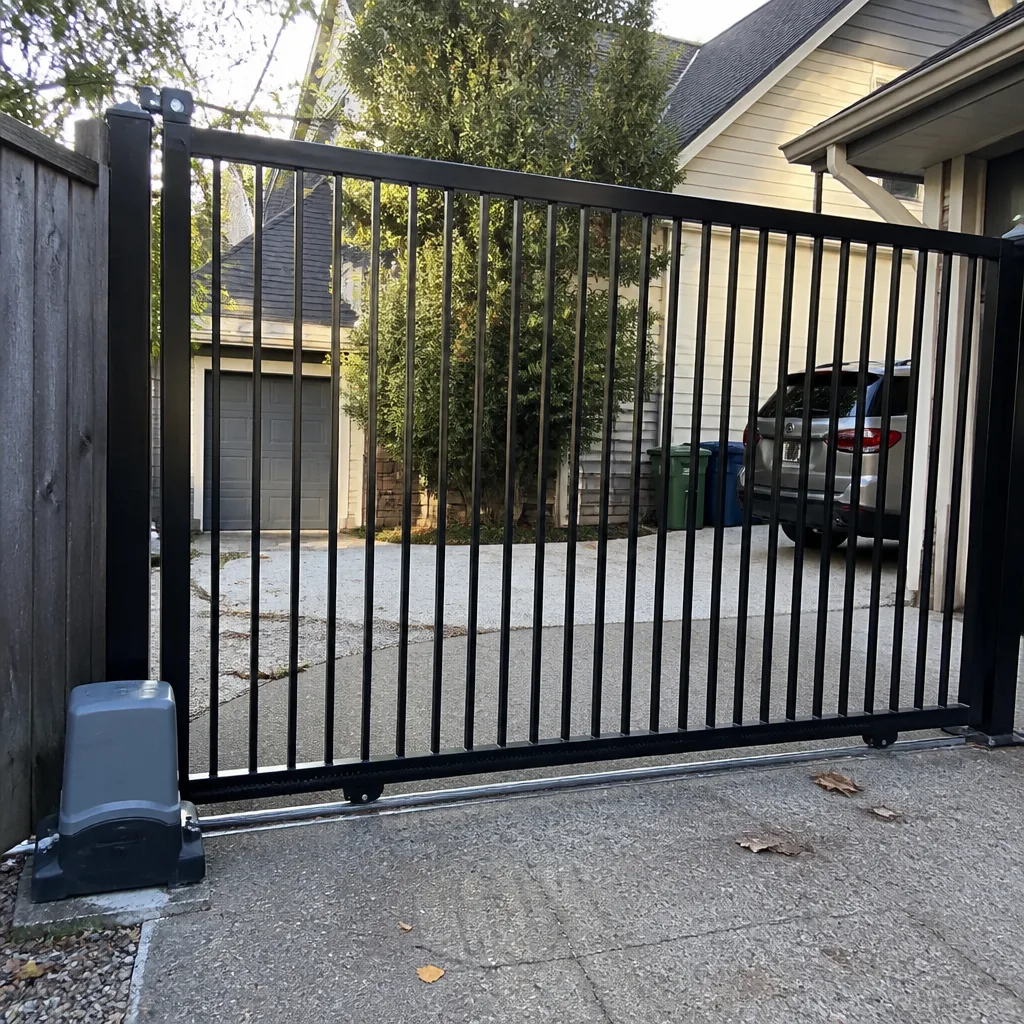 After
After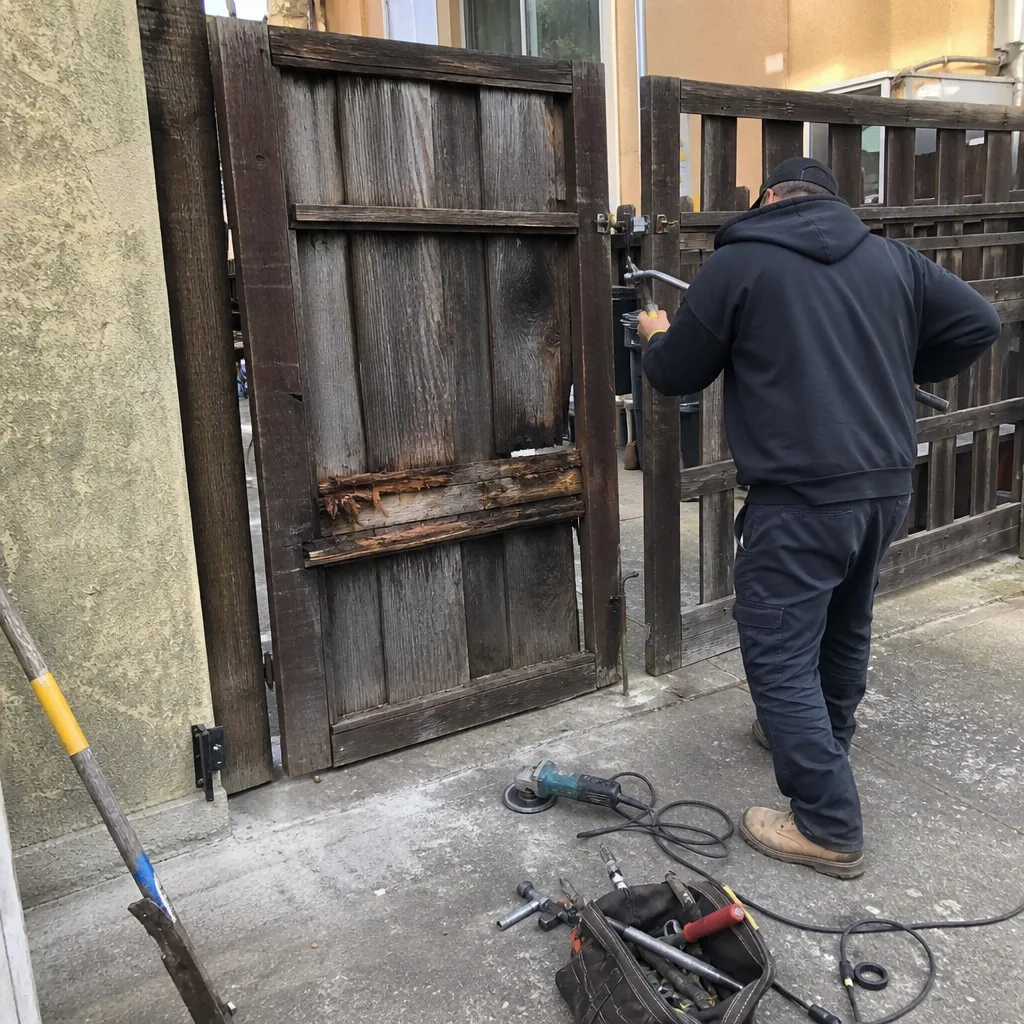 Before
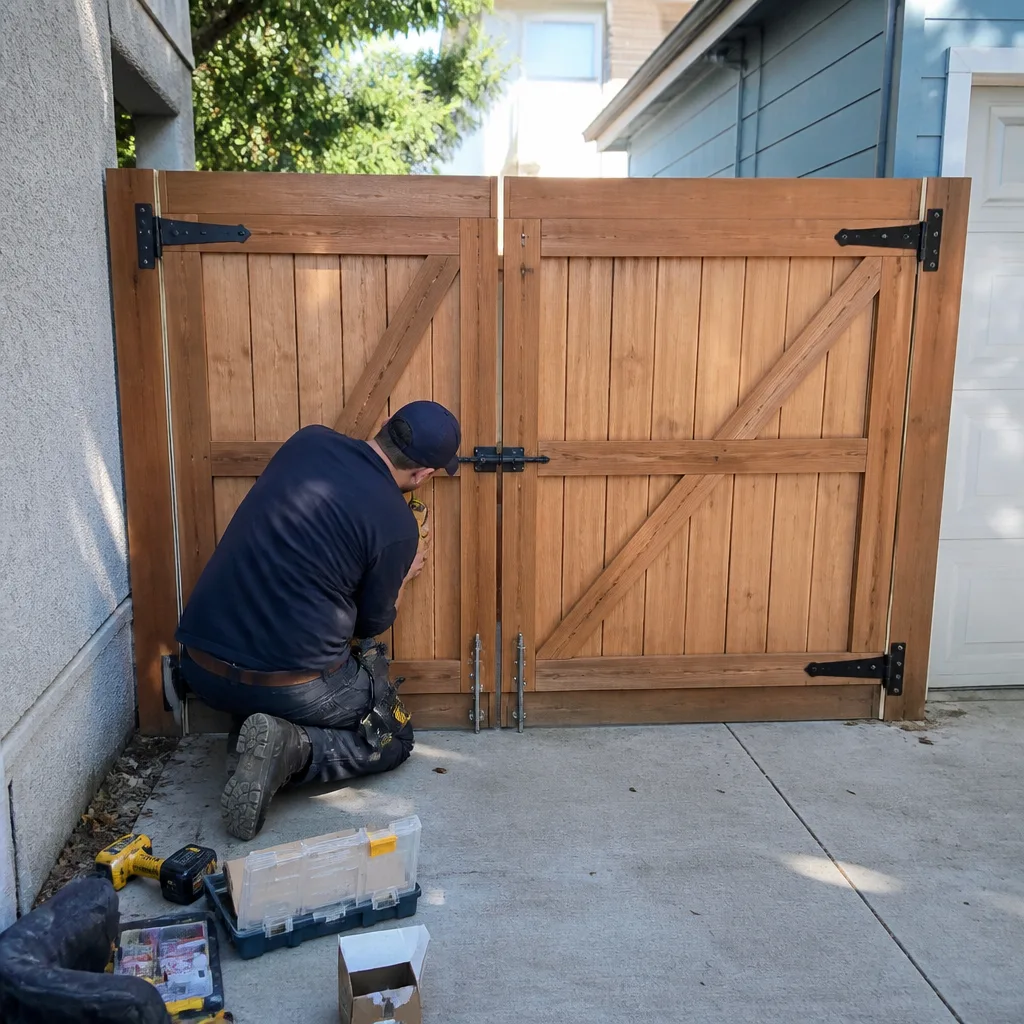 After
AfterMighty Mule Access Control Installation: The Oakland Owner’s Guide
We stock and install Mighty Mule-compatible access control hardware in Oakland, with most keypad, remote receiver, or control board replacements running $340-$780 installed depending on the model series and whether new low-voltage wiring is needed. Same-day service is available when the part is on our truck, which it usually is for the FM200, FM500, and MM560 series that dominate East Bay residential installs. Most Oakland homeowners realize their access control is failing when the gate stops responding to remotes but still works from the manual push button, or when the keypad accepts a code but won’t trigger the opener.
Which Mighty Mule Models This Applies To
Mighty Mule access control breaks down into three families, and the part you need depends on which family your gate belongs to. The FM200 and FM300 series are the light-duty swing-gate openers sold through most big-box retailers; their control boards are labeled R4211 or R4211-X and run on 12V low-voltage circuits. The FM500 and MM560 series are the heavier iron, common on Oakland hills properties with longer driveways and steeper grades; these use the R4722 or R5722 control boards with 24V transformer supplies. The MM-SL2000 slide-gate openers, less common in Oakland but present in some Rockridge and Montclair installations, carry a separate board architecture entirely.
We don’t guess at compatibility. The model number is stamped on a metal ID tag riveted to the motor housing, usually on the underside of the arm or the rear cover. If that tag is corroded, which happens regularly in Oakland’s marine-influenced climate, we measure the transformer output and the board mounting-hole pattern to confirm the match. For the FM200/300 series, we typically install OEM Mighty Mule boards because the aftermarket equivalents have shown higher failure rates in our East Bay records, particularly the relay contacts that handle the motor inrush current. On the FM500/560 series, we stock both OEM and a commercial-grade aftermarket board from our supplier that carries the same 12-month warranty at roughly 30% less cost. Adrian Vance makes the call on which to recommend based on what we find, not what we want to sell.
Signs Your Mighty Mule Access Control Installation Is Failing
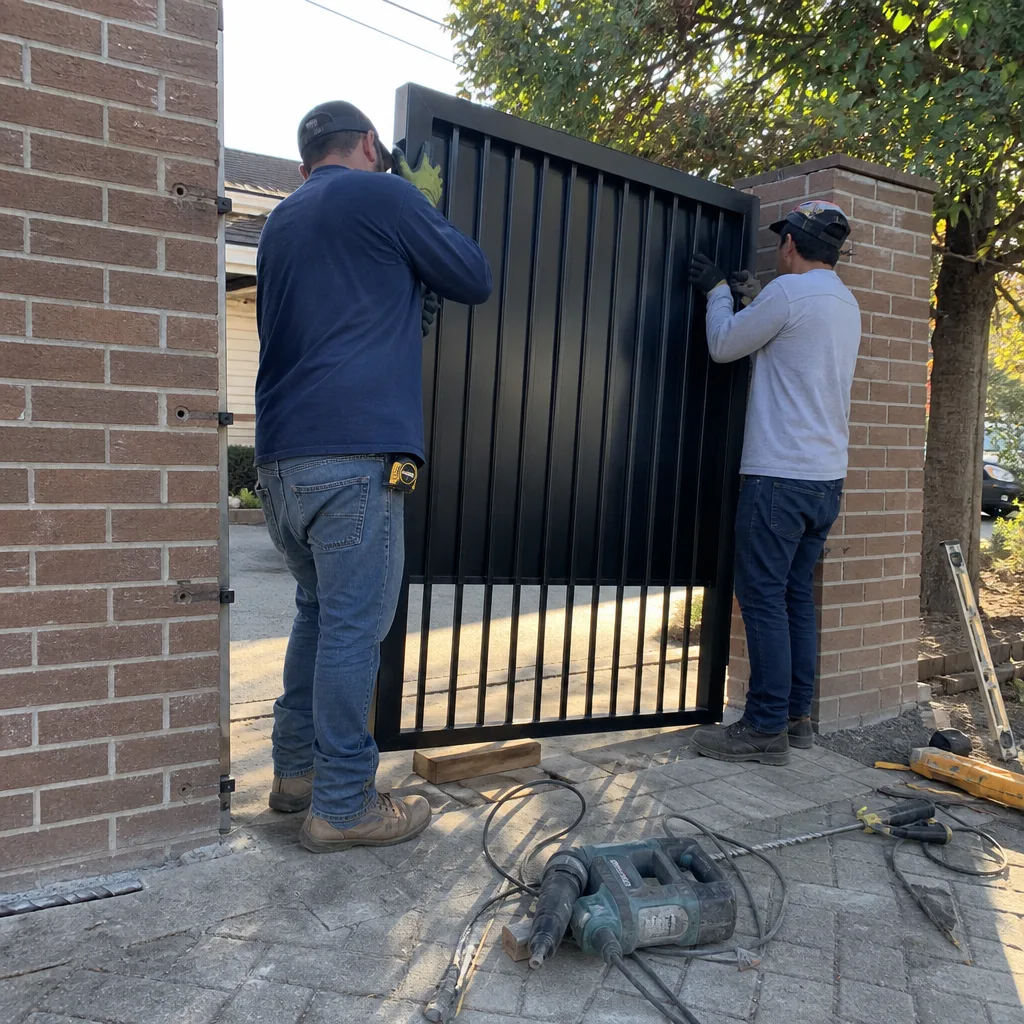
- Remote works intermittently or only from close range. The receiver board’s antenna circuit is degrading, often from moisture intrusion where the coax enters the control box. In Oakland, the fog-heavy mornings near the bay accelerate this; we’ve replaced three in the past month along the Emeryville border where the marine layer sits longest.
- Keypad accepts the code but the gate doesn’t move. The keypad’s output relay is firing, but the main control board isn’t passing voltage to the motor. This usually traces to a failed relay on the R4211 or R4722 board, or corrosion on the terminal block where the keypad low-voltage lands.
- Gate opens but won’t close, or reverses for no visible reason. The safety input circuit is reading a false obstruction. On Mighty Mule systems, this is often a photo-eye alignment issue, but if the eyes are clean and aligned, the problem is the control board’s safety-input logic failing to distinguish between a real trigger and electrical noise.
- Control box hums or clicks but the motor never energizes. The start capacitor on the board has failed, or the motor relay’s contacts have burned closed or open. We’ve found this more often on FM200 series units that cycle frequently on short Oakland driveways, where the motor starts ten or twelve times a day.
- Complete deadness: no lights, no response, no hum. The transformer or the board’s primary power supply has failed. First check the GFCI and the breaker, but if those are live and the transformer output reads zero, the board needs replacement. In the Oakland hills, we’ve seen voltage spikes from PG&E infrastructure take out several transformers in a single storm.
BeforeAfterReplacement Cost & What’s Included
| Service | Typical Range | What Drives It |
|---|---|---|
| FM200/300 control board replacement | $340-$480 | OEM vs. aftermarket board; whether wiring harness is reusable |
| FM500/560 control board replacement | $520-$680 | 24V transformer condition; enclosure corrosion level |
| Keypad or receiver replacement | $280-$420 | Surface-mount vs. post-mount; new low-voltage run needed |
| Full access control upgrade (new keypad + receiver + programming) | $640-$780 | Number of remotes; smartphone app integration |
Every price is written and handed to you before we pick up a tool, under Haven Standard Clause 1. The range reflects parts cost and labor time, not guesswork. If we open the box and find additional damage, we stop, show you, and write a revised price before continuing. No invoice exceeds the agreed number unless you approve the change in writing. The 365-Day Done Right Promise covers the installation and the part; if anything fails within that window, we return and make it right at no charge.
DIY or Call Us?
There’s a safe middle ground here. A homeowner can check the breaker, test the GFCI, and verify that the photo-eyes are clean and aligned without risk. If you’re comfortable with a multimeter, you can measure the transformer secondary for 12V or 24V output; if it’s dead, the transformer is likely the culprit, not the board.
Where DIY goes wrong is inside the control enclosure itself. Mighty Mule boards carry mains voltage on the primary side and stored energy in the capacitor even when unplugged. More critically, incorrect wiring on the low-voltage side can backfeed 24V into a keypad circuit rated for 12V, destroying both components. We’ve been called to Oakland jobs where a well-intentioned homeowner swapped the board correctly but reversed two limit-switch wires, causing the gate to run past its stops and bend the arm bracket. That turned a $400 board swap into an $1,100 repair.
If the problem isn’t obvious from the outside tests, call us at (628) 270-2709. We’ll diagnose it properly, price it in writing, and leave you a photo record of every connection.
FAQs
In our East Bay records, the typical lifespan is 7-12 years for control boards and 5-8 years for keypads and receivers. The marine air near the bay shaves 2-3 years off that average compared to inland California. Call (628) 270-2709 if yours is showing symptoms near that age range.
Occasionally. If the failure is a single burned relay and the board traces are intact, we can solder in a replacement relay for roughly half the cost of a new board. If the microcontroller or power supply section is damaged, replacement is the only reliable fix. We make that determination on site and show you before proceeding.
Most Mighty Mule access control replacements take 90 minutes to 2.5 hours, including testing all safety inputs and reprogramming your remotes. If we need to run new low-voltage wiring or replace a corroded enclosure, add another hour. You’ll get a written time estimate with the price.
We carry control boards, transformers, keypads, and receivers for the FM200, FM300, FM500, and MM560 series on every Oakland-area truck. Less common parts for the MM-SL2000 or older discontinued models we can source within 24 hours. Same-day completion is typical for the common series.
We’re an independent service provider, not affiliated with Mighty Mule or its parent company. We also stock parts for LiftMaster, Ghost Controls, and DoorKing systems when your property has mixed hardware or you’re considering a brand change.
Ready to get your gate responding again? Call (628) 270-2709 for a free estimate. We’ll send a background-checked, uniformed technician with a name and photo before arrival, and you’ll get a written price before any work starts. Tell me what it’s doing wrong, and I’ll tell you exactly what it needs.
Written by Adrian Vance, Owner, Vance Gate Repair Oakland at Vance Gate Repair Oakland, serving Oakland and nearby areas.